

- You need to be one of the club’s admins or owners.
- Have your club’s own member list to hand.
- Your list shows players whose home club is yours, and players on your teams this season.
Mark members
1
Open Members
In Club HQ, tap Team builder under Season in the menu, then the Members tab.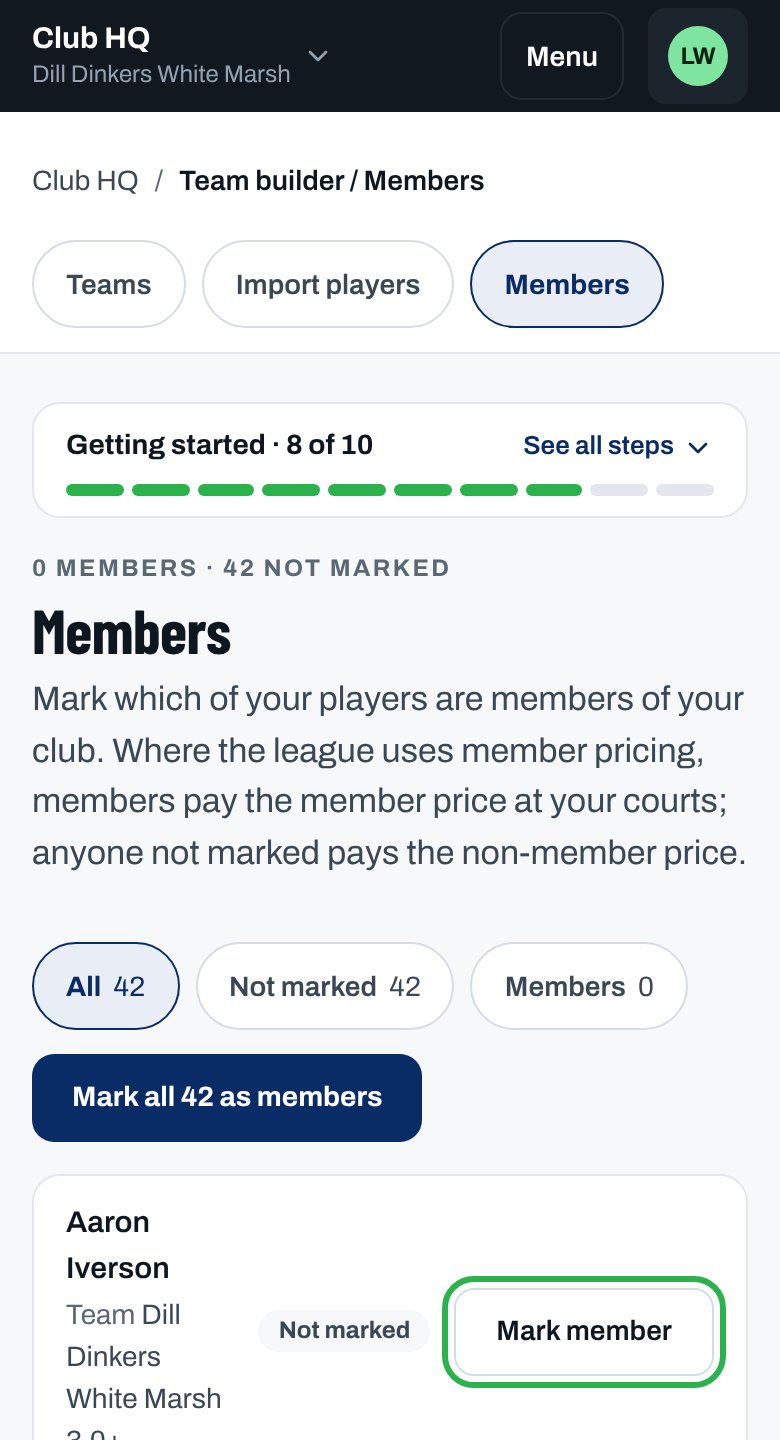
2
Find who isn't marked
Tap Not marked to see only them.
3
Mark a member
Tap Mark member next to their name. They now show Member.
4
Or mark everyone
Tap Mark all … as members to mark every player not yet marked.
5
Unmark someone
Tap Unmark. From their next home match, they pay the non-member price.
You see “Marked as a member. Their next home match uses the member price.”
Good to know
How member pricing works
How member pricing works
- A mark lasts from season to season until you unmark the player.
- It counts only at your courts, for players on the home side. Visiting players never pay a member price.
- Your league decides whether member pricing is on this season. Your club’s owners set the price in Fee setup.
- Players see only their own price on the match page, never who else is a member.
Why isn’t this working?
“No players yet”
“No players yet”
Players show here once they choose your club as their home club or join one of your teams.
“You can see this club’s members but not change them.”
“You can see this club’s members but not change them.”
You also run another club in this league, so you can only look. Ask one of this club’s admins.
“Only players on your club’s list can be marked. Reload the page and pick from the list.”
“Only players on your club’s list can be marked. Reload the page and pick from the list.”
Someone left your list while the page was open. Reload the page and try again.
A member was charged the full price
A member was charged the full price
Fees already charged don’t change. Mark members before the match. Visiting players never get the member price.
I don't see Members
I don't see Members
Open Team builder first: Members is one of its tabs, next to Teams and Import players.
Related articles
Set your club's court fee
Set the member price or discount.
League rules
How court fees work this season.